# How to Migrate to $Bonsai
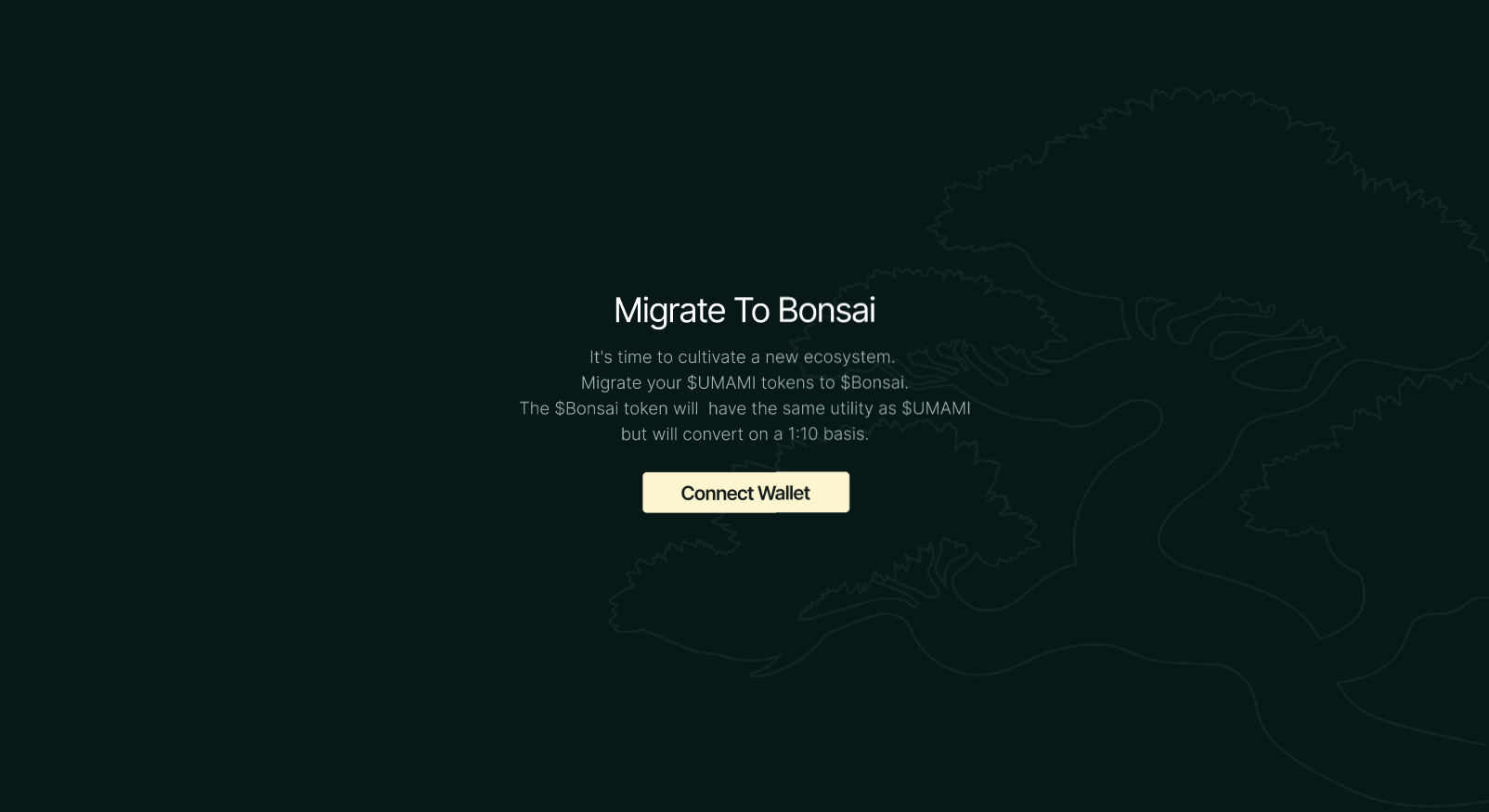
Step 1. Connect your wallet
You'll need to connect your crypto wallet to migrate your $UMAMI tokens to $Bonsai tokens.
-> Head over to [**bonsaidao.xyz/migrate** ](https://bonsaidao.xyz/migrate/)
-> Click on `Connect Wallet`
-> Select your wallet and approve the connection.
Connection complete!
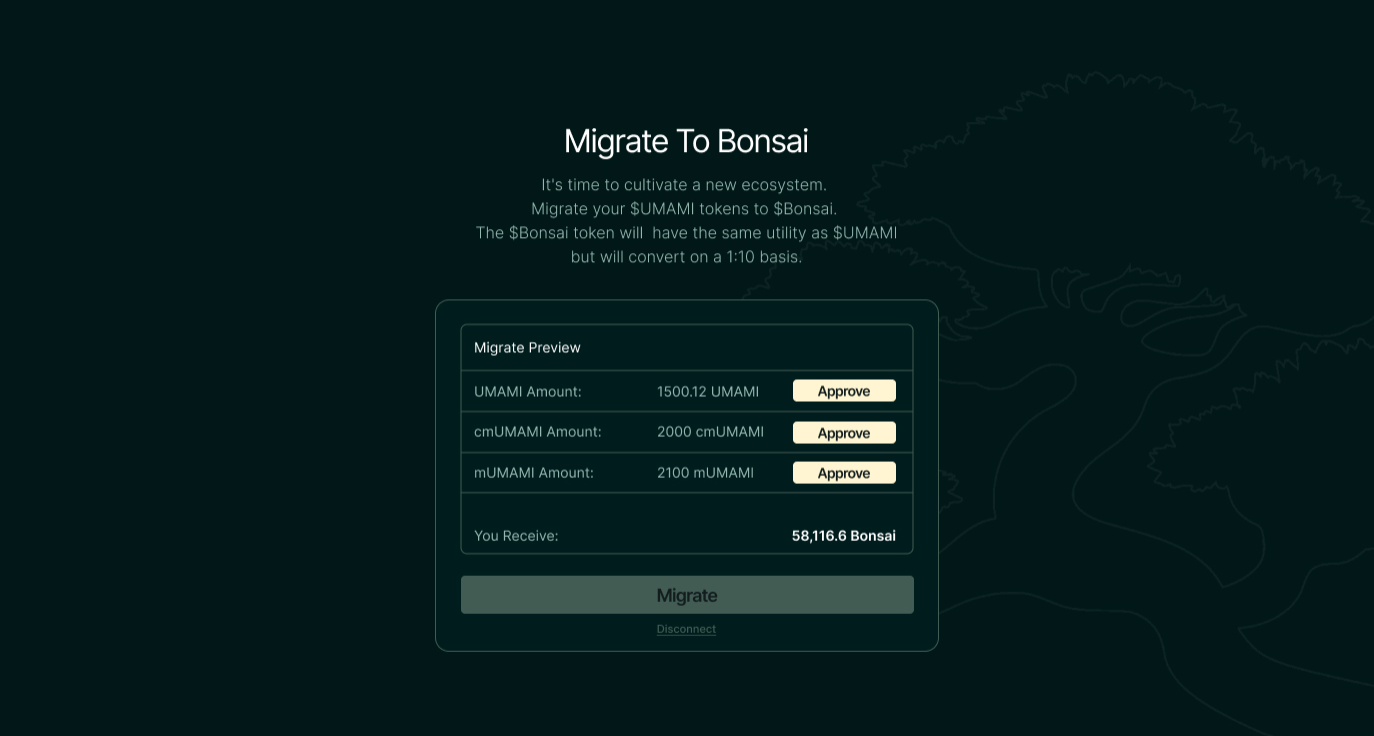
## Step 2. Preview migration and approve $UMAMI holdings
After connecting, the interface will give you a preview of your $UMAMI holdings and calculate how many $Bonsai tokens you are eligible to migrate.
-> Click `Approve` for each $UMAMI token to allow access and sign each approval.
-> Click on `Migrate` and sign it.
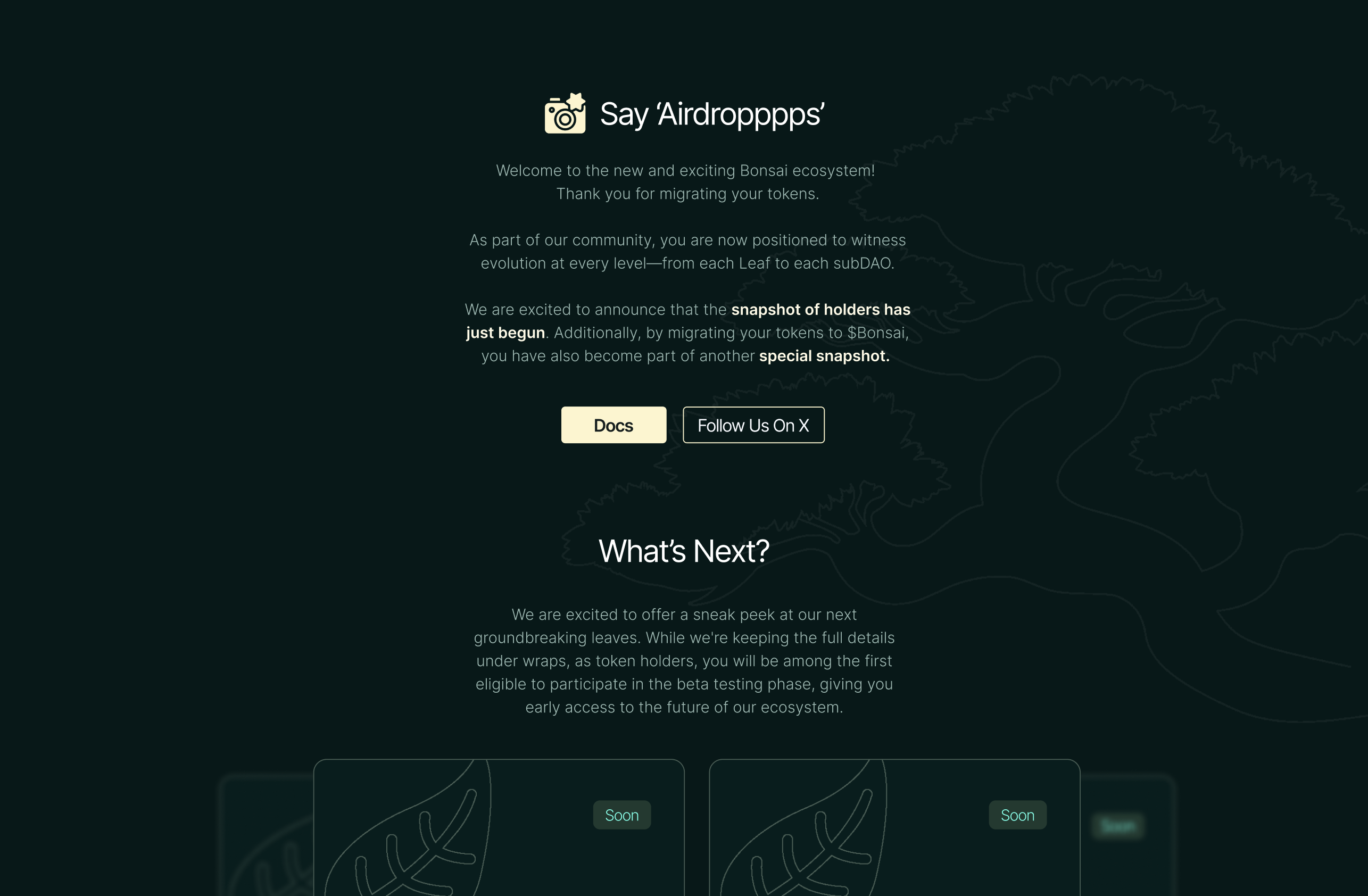
## Step 3. Migration Completed!
That’s it. **You have successfully migrated your $UMAMI holdings to $Bonsai holdings.** Welcome to the new and exciting Bonsai ecosystem!